
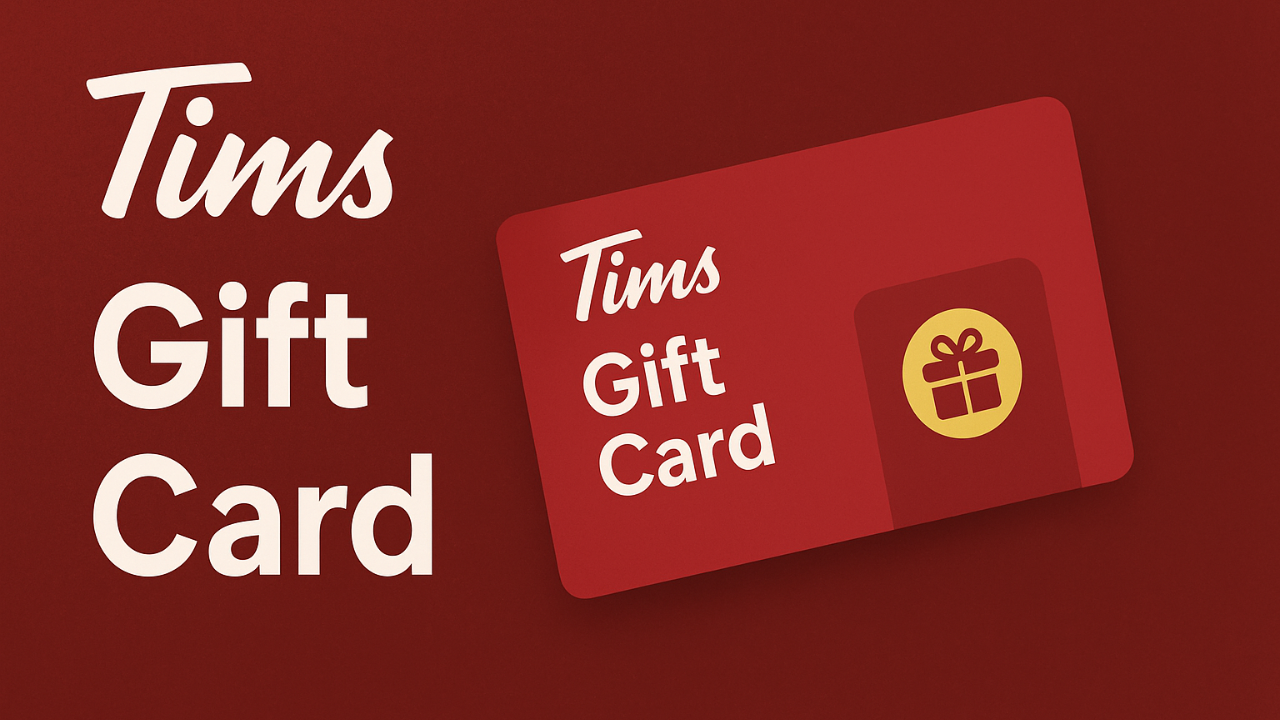
Tims Gift Card: How to Buy, Use, and Check Your Balance
Ever been stuck in line at Tim Hortons, craving a double-double and a donut, but not sure if you’ve got enough left on your Tims Gift Card? Or maybe you’re thinking about gifting someone a taste of Canada’s favorite coffee shop but don’t know where to start.
You’re in the right place! I’ve used Tims Gift Cards for years-sometimes as a treat, sometimes as a lifesaver when I forgot my wallet-and I’m here to break it all down for you, step by step, in plain language.
What Is a Tims Gift Card?
Let’s keep it simple. A Tims Gift Card is a prepaid card you can use at Tim Hortons to buy coffee, donuts, breakfast sandwiches, and pretty much anything on their menu.
You load it with money, and every time you buy something, the amount gets deducted from your card balance. It’s like carrying a little piece of Tim Hortons in your pocket.
Tims Gift Card Balance Check
Nothing’s worse than getting to the counter and realizing you don’t have enough on your card. Trust me, I’ve been there. Luckily, checking your Tims Gift Card balance is super easy, and you’ve got options.
How to Check Your Balance
- Online: Go to the Tim Hortons gift card balance page. Enter your card number and PIN (scratch to reveal it on the back of the card), then hit “Check Balance.” You’ll see your available amount in seconds.
- Mobile App: Download the Tim Hortons app, sign in, and go to the Gift Card section. Enter your card details or transfer your balance to a digital Tim Card to check it anytime.
- In-Store: Just ask the cashier to check your balance. Hand them your card, and they’ll scan it for you.
- By Phone: Call 1-866-TIMCARD (846-2273) or 1-888-601-1616. Follow the prompts, enter your card number, and listen for your balance.
Tip: Make it a habit to check your balance before you order. Saves you from awkward moments at the counter!
Tim Hortons Gift Card Online
Want to buy a gift card without leaving home? You can do it online, and it’s super convenient.
- Digital Gift Cards: Buy a digital Tims Gift Card on the official Tim Hortons website. You can send it instantly by email or text-perfect for last-minute gifts.
- Personalize Your Card: Some platforms let you upload a photo, write a custom message, or pick a fun design. That means you can make your gift card feel special, not just another boring card.
- Choose Your Amount: Most sites let you pick any amount from $5 up to $500. You decide how generous you want to be.
Pro Tip: Digital cards are great because they can’t be lost or stolen if you link them to your account.
Tims Gift Card: Where to Buy
You’ve got options-lots of them. Here’s where you can grab a Tims Gift Card:
| Where to Buy | Physical Card | Digital Card | Instant Delivery | Custom Message |
|---|---|---|---|---|
| Tim Hortons Restaurant | ✔️ | ❌ | ❌ | ❌ |
| Tim Hortons Website/App | ✔️ | ✔️ | ✔️ | ✔️ |
| Retailers (Walmart, Shoppers, etc.) | ✔️ | ❌ | ❌ | ❌ |
| Online Gift Card Platforms | ❌ | ✔️ | ✔️ | ✔️ |
- In-Store: Walk into any Tim Hortons and buy a card at the counter. Great for gifts on the go.
- Website/App: Order a physical or digital card on the Tim Hortons website or app. Send it to yourself or someone else.
- Retailers: Big stores like Walmart, Shoppers Drug Mart, and some grocery stores in Canada sell Tims Gift Cards.
- Third-Party Sites: Online platforms like GiftYa or Toasty let you send digital cards with extra features like custom messages.
Tim Hortons Gift Card Balance Canada
If you’re in Canada, you can use your Tims Gift Card at any participating Tim Hortons location. The process for checking your balance is the same as above-online, in the app, in-store, or by phone.
Good to Know: Canadian Tims Gift Cards work in the U.S. at participating restaurants, and U.S. cards work in Canada too.
Tim Hortons Gift Card Canada: Features and Benefits
Let’s talk perks. Here’s why Tims Gift Cards are a hit in Canada:
- No Expiry: Your card never expires. Use it whenever you want-no rush.
- No Fees: There are no hidden fees or charges for using your gift card.
- Reloadable: You can add more money to your card at any Tim Hortons location or through the app.
- Flexible Amounts: Load any value you want, usually between $5 and $100 per card.
- Use Anywhere: Works at all participating Tim Hortons locations in Canada and the U.S.
- Safe & Secure: Register your card online or in the app for balance protection in case it’s lost or stolen.
Tim Hortons Gift Card Promotion
Who doesn’t love a good deal? Tim Hortons sometimes runs special promotions with their gift cards.
- Seasonal Offers: Around holidays, you might get a bonus card or extra points when you buy a certain amount in gift cards.
- Corporate Gifting: Businesses can order bulk cards for employees or clients, often with special rates or perks.
- App-Exclusive Deals: Keep an eye on the Tim Hortons app for limited-time offers, like earning extra rewards points when you use your gift card.
Tip: Always check the Tim Hortons website or app for the latest promotions before you buy. You might snag a sweet deal!
Tim Hortons Gift Card Activation
Bought a card and not sure if it’s ready to use? Here’s what you need to know.
- In-Store Purchase: The cashier will activate your card at checkout. You pick the amount, they load it, and you’re good to go.
- Online Purchase: If you buy a digital card, it’s activated instantly and ready to use as soon as you receive it.
- Register for Extra Security: Register your card online or in the app for balance protection and to unlock exclusive offers.
How to Register Your Card
- Create a Tim Hortons account online or in the app.
- Go to “Gift Card Management” or “Register a Gift Card.”
- Enter your card number and PIN.
- Follow the steps to verify your card (usually by email or SMS).
- Enjoy balance protection and special offers.
How to Use Your Tims Gift Card
Using your card is a breeze. Here’s how:
- In-Store: Hand your card to the cashier or scan your digital card in the app. The amount is deducted from your balance.
- Mobile App: Load your card into the Tim Hortons app for quick, contactless payments. You can even transfer balances between cards.
- Online Orders: Use your gift card as a payment method when ordering through the Tim Hortons app or website.
Tip: Always check your balance before ordering to avoid surprises.
Managing Your Tims Gift Card: Smart Tips
Want to get the most out of your card? Here’s what I’ve learned:
- Check Your Balance Regularly: Make it a habit, especially before big orders or treating friends.
- Register Your Card: Protect your balance from loss or theft and get access to exclusive offers.
- Reload As Needed: Keep your card topped up for those coffee emergencies.
- Use the App: It’s the easiest way to manage your card, check balances, reload, and even pay at the counter.
- Track Your Receipts: Your card balance is printed at the bottom of your receipt after every purchase.
Note
- Minimum Load: $5 (varies by retailer)
- Maximum Load: $100 (per card, per app transfer)
- No Expiry or Fees: Use whenever you want
- Works in Canada & U.S.: At participating locations
- Balance Check: Online, app, in-store, or by phone
- Customer Service: 1-888-601-1616 or 1-866-TIMCARD (846-2273)
- Register for Security: Online or in the app
FAQs About Tims Gift Card
Conclusion
Tims Gift Cards are more than just a way to pay for coffee-they’re a ticket to convenience, easy gifting, and a little piece of Canadian comfort. Whether you’re checking your balance, buying a card online, or registering for extra security, the process is simple and stress-free. I’ve used Tims Gift Cards for birthdays, thank-yous, and even just to treat myself after a tough week. They’re flexible, reliable, and always welcome.
So next time you’re at Tim Hortons or shopping for the perfect gift, grab a Tims Gift Card. Check your balance, reload when you need to, and enjoy every sip and bite. And hey, don’t forget to treat yourself-you deserve it.



One Comment