
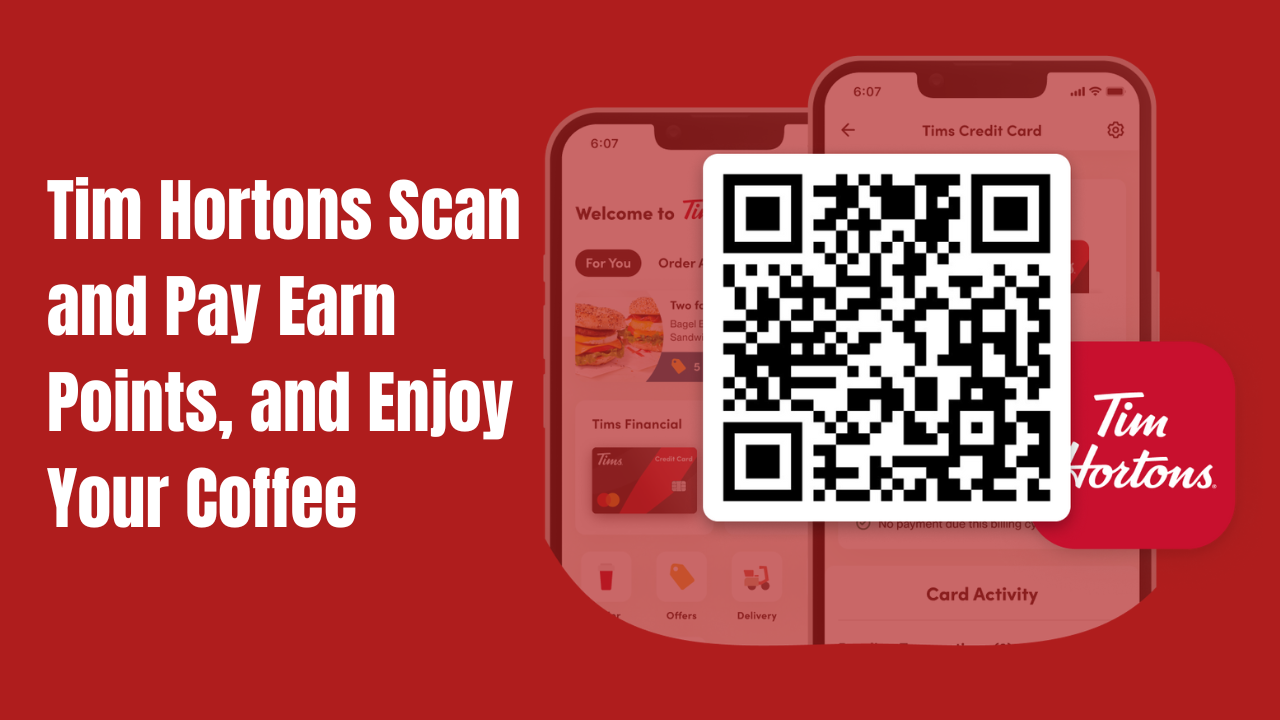
Tim Hortons Scan and Pay: Effortless Way to Order, Earn Points, and Enjoy Your Coffee
Ever stood in line at Tim Hortons, juggling your wallet, rewards card, and phone, just to pay for your coffee? I have. It’s awkward. But Tim Hortons Scan and Pay changed all that for me-and it can for you, too. If you want to pay faster, earn rewards, and skip the hassle, this guide is for you.
Let’s dig into everything you need to know about Scan and Pay. I’ll show you how it works, how to set it up, what to do if it’s not working, and how to get the most points for your coffee cravings.
What Is Tim Hortons Scan and Pay?
Scan and Pay is a feature in the Tim Hortons app that lets you pay, earn points, and redeem rewards with just one scan. No more fishing for your wallet or separate rewards card. Just open the app, scan your code, and you’re done.
You can use it at the counter or drive-thru, in Canada and the U.S. It’s all about making your coffee run as smooth as your morning brew.
Why Use Scan and Pay?
- Speed: Pay and earn points in seconds.
- All-in-One: One scan does it all-payment, points, and rewards.
- Secure: Payments are encrypted and safe.
- Convenient: Store multiple cards and switch between them easily.
- Bonus Points: Get 10 bonus points for your first Scan and Pay purchase (limited time).
Honestly, once you try it, you won’t want to go back.
How Does Tim Hortons Scan and Pay Work?
Here’s how it works, step by step:
- Download the Tim Hortons App: Available for iOS and Android.
- Create or Log In to Your Account: Use your email or social login.
- Add a Payment Method: Link a credit card, debit card, or Tim Card.
- Activate Scan and Pay: Tap “Scan” at the bottom of the app, toggle on “Scan & Pay,” and you’re ready.
- Scan at Checkout: Show your QR code to the cashier or at the drive-thru. One scan pays, earns points, and redeems rewards.
That’s it. No more digging for cards or cash.
Tim Hortons Scan and Pay App Download
You need the Tim Hortons app to use Scan and Pay. Here’s how to get it:
| Device | Where to Download | Link/Instructions |
|---|---|---|
| iPhone | App Store | “Tim Hortons” |
| Android | Google Play Store | “Tim Hortons” |
Download, install, and open the app. If you already have it, make sure it’s updated to the latest version for the best experience.
Setting Up Scan and Pay
- Open the Tim Hortons app.
- Tap the “Scan” tab at the bottom.
- Tap “Add Payment Method.”
- Enter your credit card, debit, or Tim Card details.
- Toggle on “Scan & Pay.”
- You’ll now see a QR code. This is your Scan and Pay code.
Next time you order, just scan this code. Done!
Tim Hortons Scan and Pay Login
To use Scan and Pay, you need to log in to your Tim Hortons account. If you don’t have one:
- Tap “Sign Up” in the app.
- Enter your email, make a password, and follow the prompts.
If you forget your password, there’s a “Forgot Password” link. Easy.
Once logged in, all your payment methods, rewards, and offers are saved in one place.
Tim Hortons Scan and Pay Code
Your Scan and Pay code is a unique QR code in the app. It’s found under the “Scan” tab. This code is what the cashier scans to process your payment, apply your points, and redeem any rewards you’ve selected.
Tip: Don’t share your code with others. It’s linked to your payment and rewards.
Earning and Redeeming Points with Scan and Pay
Every time you use Scan and Pay:
- You earn Tims Rewards points for your purchase.
- You can redeem rewards instantly if you have enough points.
- Sometimes, you’ll get bonus points for using Scan and Pay-like 10 extra points on your first use.
Pro Tip: Check the app for special Scan and Pay promotions. Sometimes, contests offer entries for every Scan and Pay purchase, with prizes like free coffee, trips, or even a new car.
Tim Hortons Scan and Pay Not Working?
Sometimes, technology acts up. Here’s what to do if Scan and Pay isn’t working:
Common Problems and Fixes
| Problem | Solution |
|---|---|
| App won’t open or crashes | Update the app or reinstall it |
| Can’t log in | Reset your password or check your email |
| QR code won’t scan | Brighten your screen, clean your camera |
| Payment not going through | Check your card details or try another |
| Didn’t earn points | Make sure you scanned before paying |
| Double billing or missing rewards | Contact customer service with your receipt |
Extra Tip: If you’re at the store and it’s not working, you can always pay with your card and scan your rewards code separately. You’ll still get your points.
Tim Hortons Scan and Pay App Features
The app isn’t just for Scan and Pay. Here’s what else you get:
- Order Ahead: Skip the line by ordering in advance.
- Mobile Delivery: Get your food and drinks delivered.
- Personalized Offers: Get deals based on your favorites.
- Contests and Games: Play Roll Up To Win™ and other games for prizes.
- Save Favorites: Quickly reorder your go-to items.
- Tims Financial: Manage your Tims Credit Card and earn even more points.
Scan and Pay vs. Traditional Payment
| Feature | Scan and Pay | Traditional Payment |
|---|---|---|
| Payment Method | App (QR code) | Cash/Card |
| Earn Points | Yes | Yes (if you scan card) |
| Redeem Rewards | Instantly | Must scan rewards card |
| Speed | Fast (one scan) | Slower (multiple steps) |
| Security | Encrypted | Depends on method |
| Bonus Promotions | Sometimes | Rarely |
How to Get the Most Out of Scan and Pay
- Always update your app: New features and bug fixes come often.
- Check for offers: Look for Scan and Pay bonuses or contests in the app.
- Store multiple cards: Switch payment methods easily for business or personal use.
- Redeem rewards instantly: No need to fumble with paper coupons.
- Use order ahead: Combine Scan and Pay with mobile pickup for the fastest experience.
Note
- Available in Canada & U.S.
- Works at counter and drive-thru
- Requires Tim Hortons app and account
- Supports credit, debit, and Tim Card
- Earns Tims Rewards points
- Secure and encrypted payments
- First-time bonus: 10 points (Canada, limited time)
Tim Hortons Scan and Pay Promotions
Tim Hortons sometimes runs special promotions for Scan and Pay users. For example, you might get bonus points for your first Scan and Pay purchase, or contest entries to win prizes like cars, trips, or free coffee for a year.
Always check the app’s promotions section for the latest deals. These offers change often and can make your coffee runs even more rewarding.
Scan and Pay: Security and Privacy
All payments through Scan and Pay are encrypted and secure. Your card details are stored safely in the app, and you can remove or update them anytime.
If you lose your phone, log in to your Tim Hortons account on another device and remove your payment methods for peace of mind.
FAQs About Tim Hortons Scan and Pay
Conclusion
Tim Hortons Scan and Pay makes coffee runs faster, easier, and more rewarding. With just one scan, you pay, earn, and redeem-no more juggling cards or cash. From my own experience, it’s a total game-changer for busy mornings and quick pit stops.
If you haven’t tried it yet, download the app, set up Scan and Pay, and enjoy your next cup with less hassle and more rewards. And if you ever run into trouble, help is just a tap away. Happy scanning!





One Comment