Tims Financial: How to Maximize Rewards with the Tim Hortons Credit Card
Ever wished your morning coffee run could help you earn rewards or even build your credit? Tims Financial is Tim Hortons’ answer to making your money go further, right from your phone. If you’re new to all this, don’t worry-I’ll explain everything in plain English, no banking jargon, and share tips you can use right away.
What Is Tims Financial?
Tims Financial is the financial services arm of Tim Hortons. It’s built for Canadians who want easy, digital tools to manage spending and earn rewards. The star of the show? The Tims Mastercard-a credit card you can manage right inside the Tim Hortons app.
With Tims Financial, you can:
- Apply for a credit card in minutes
- Track your spending and rewards
- Pay for coffee, groceries, and more
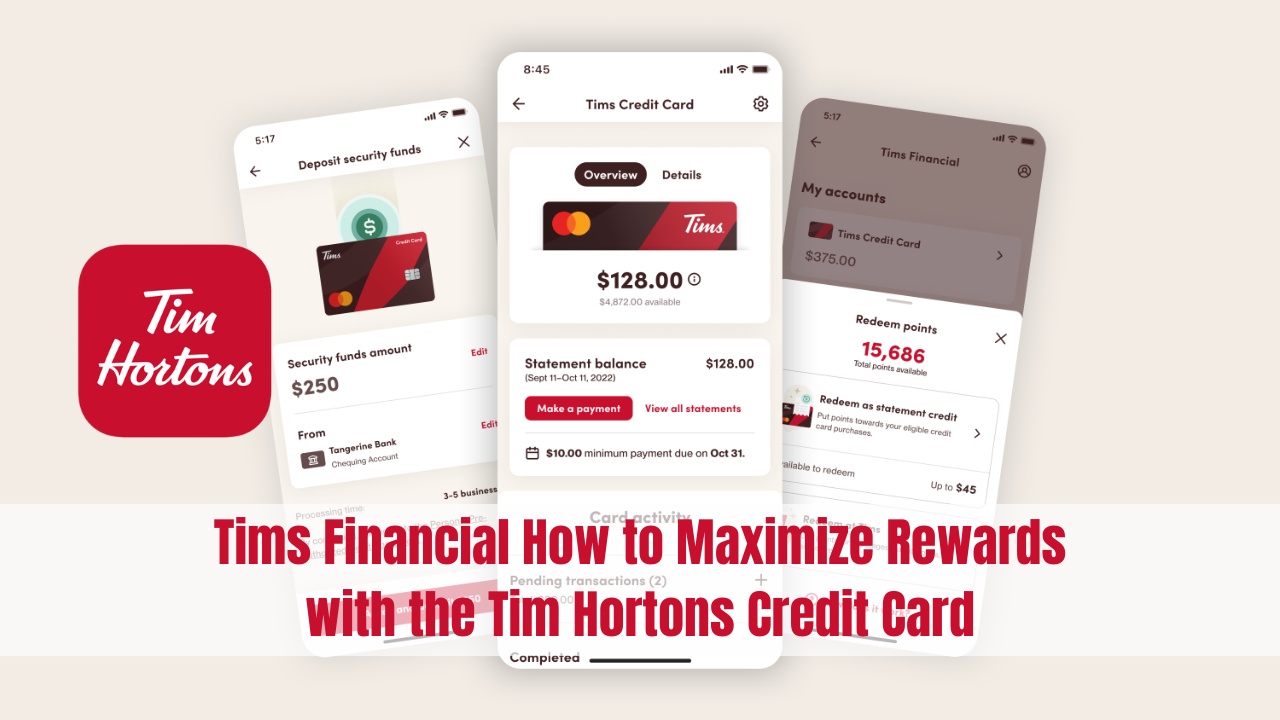
- Redeem points for free food or statement credits
It’s all about making your daily purchases work harder for you.
Tims Financial Login
Logging in is a breeze. Here’s how to do it:
- Download the Tim Hortons app from the Apple App Store or Google Play Store.
- Open the app and tap the “Tims Financial” button.
- Sign in using your password or biometric authentication (Face ID, Touch ID, or fingerprint).
If you forget your password, you can reset it through the app. Your profile keeps all your card details, rewards, and transaction history in one spot.
Tip: Use Face ID or Touch ID for quick, secure access-no more typing passwords in line!
How to Apply for the Tims Financial Credit Card
Applying for the Tims Mastercard is simple and takes just a few minutes. Here’s what you need:
- Be a Canadian resident with a valid address
- Be the age of majority in your province or territory
- Have a valid email address
- Provide one piece of government-issued ID
Just tap “Tims Financial” in the app, fill out the online form, and you’ll usually get an answer within minutes. If approved, your card arrives in 2–3 weeks.
Tims Financial Credit Card: Features and Benefits
The Tims Mastercard is designed for everyday life. Here’s what makes it stand out:
- No annual fee: You won’t pay just to keep the card.
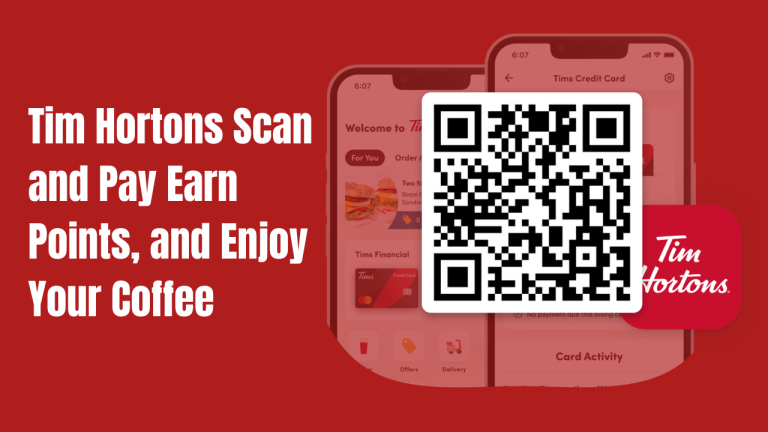
- Earn Tims Rewards everywhere: 15 points per $1 at Tim Hortons (with app scan), 5 points per $1 on groceries, gas, transit, and more.
- Redeem points for food or statement credit: Use points for menu items or up to $45 off your bill each week.
- Mobile payments: Add your card to Apple Wallet or Google Wallet for tap-and-go convenience.
- Real-time notifications: Get alerts for every purchase, so you always know what’s happening.
- Extended warranty: Extra year on most purchases.
- Purchase protection: 90 days of coverage for new items.
- Zero liability: You’re protected from unauthorized purchases with Mastercard’s security.
Welcome Bonus: New cardholders get a $20 digital Tims Gift Card and a 40oz tumbler after their first purchase (while supplies last).
Tims Financial Credit Card Limit
Your credit limit depends on your application and credit profile. For the secured Tims Mastercard, you can set your own limit by adding a security deposit-minimum $50, maximum $10,000, in $50 increments. Want more spending power? Just increase your deposit.
To raise your limit:
- Add more funds in $50 steps (up to $10,000).
- Pay off your balance to access a higher limit.
For unsecured cards, your limit is based on credit checks and income.
Setting Up and Using Your Tims Mastercard PIN
Once approved, you’ll set a PIN for your Tims Mastercard. Here’s how:
- After approval, confirm your shipping address in the app.
- Set and confirm your PIN.
- Visit any ATM within 7 days and use your new PIN to activate it (no need to withdraw cash-just access your account).
Tip: Don’t use obvious PINs like “1234” or your birthday. Keep it unique and safe.
How to Earn and Redeem Tims Rewards Points
Every dollar you spend with your Tims Mastercard earns you points:
| Where You Spend | Points Earned (with scan) | Points Earned (without scan) |
|---|---|---|
| Tim Hortons | 15 per $1 | 5 per $1 |
| Groceries, Gas, Transit | 5 per $1 | 5 per $1 |
| Everywhere Else | 1 per $2 | 1 per $2 |
Redeeming Points:
- Free food and drinks at Tim Hortons (minimum 300 points)
- Statement credit (up to $45 per week off your bill)
Example: 1,600 points = $8 worth of menu items or statement credit.
Tims Financial Reviews: What Are People Saying?
Most users love the no-fee structure and easy app integration. Here’s what stands out in reviews:
- Simple to use: Everything’s in the Tim Hortons app-no extra accounts.
- Great rewards: Fast point earning, especially for regular Tims customers.
- No hidden fees: No annual fee, and interest rates are standard for credit cards.
- Security: Mastercard Zero Liability and real-time alerts add peace of mind.
Some users wish for more premium perks or travel rewards, but for everyday spending and coffee lovers, most say it’s a win.
Tims Financial Phone Number Canada
Need help? Tims Financial has a dedicated support team. Here’s how to reach them:
- Toll-free phone number: 1-855-505-1964
- Email: [email protected]
- Online help: Visit the Tims Financial Support Centre at support.timsfinancial.ca
Support is available for questions about your card, account, points, or technical issues.
Tim Hortons and Tims Financial
Tim Hortons is Canada’s largest quick-service restaurant chain, with over 4,000 locations nationwide. Tims Financial is their move into digital banking and rewards, powered by Neo Financial-a Canadian fintech company known for secure, modern banking.
With almost five million Canadians using the Tim Hortons app each month, Tims Financial makes it easy to manage money and earn perks on the go.
Tims Financial ATM: What You Need to Know
The Tims Mastercard works like any other Mastercard-you can use it at ATMs for cash advances. To set your PIN, you’ll need to visit an ATM within 7 days of card approval. Remember, cash advances come with higher interest rates and fees, so use them only if you really need cash.
How to Make the Most of Tims Financial
- Set your Tims Mastercard as your main payment in the app.
- Use Scan and Pay at Tim Hortons for max points.
- Check for bonus offers and contests in the app.
- Pay off your balance in full each month to avoid interest.
- Redeem points for statement credits if you want cash savings.
Tims Mastercard vs. Other No-Fee Cards
| Feature | Tims Mastercard | Typical No-Fee Card |
|---|---|---|
| Annual Fee | $0 | $0 |
| Points at Tim Hortons | 15 per $1 (with scan) | 1–2 per $1 |
| Points on Groceries | 5 per $1 | 1–2 per $1 |
| Statement Credit Option | Yes | Sometimes |
| Mobile App Integration | Yes (Tims app) | Varies |
| Welcome Bonus | Yes | Sometimes |
| Extended Warranty | Yes | Sometimes |
| Purchase Protection | Yes | Sometimes |
Note
- App required: Tim Hortons app (iOS/Android)
- No annual fee
- Earn up to 15 points per $1
- Redeem for food or statement credit
- Secured and unsecured card options
- Credit limit up to $10,000 (secured)
- Support phone: 1-855-505-1964
- Support email: [email protected]
FAQs About Tims Financial
Conclusion
Tims Financial is Tim Hortons’ way of bringing simple, rewarding banking to Canadians. With the Tims Mastercard, you can turn every coffee, grocery run, or gas fill-up into rewards you’ll actually use. It’s easy to manage, safe, and designed for everyday life. If you want a card that fits your routine and pays you back, Tims Financial is worth a look.